

Your guests don’t get a link. They get an arrival.
It opens on film. Behind it sits the whole event — the replies, the meals, the seating chart and the door.

No card needed · Your invitation stays live when the trial ends
10,000+events created worldwide
Invitations for every kind of celebration.
From timeless elegance to modern stories — each one photographed, not drawn, and yours to fill in.
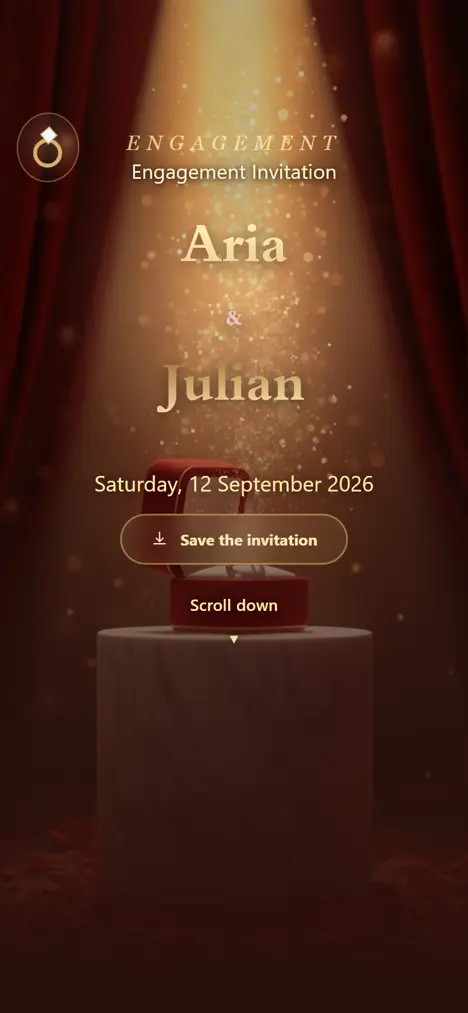
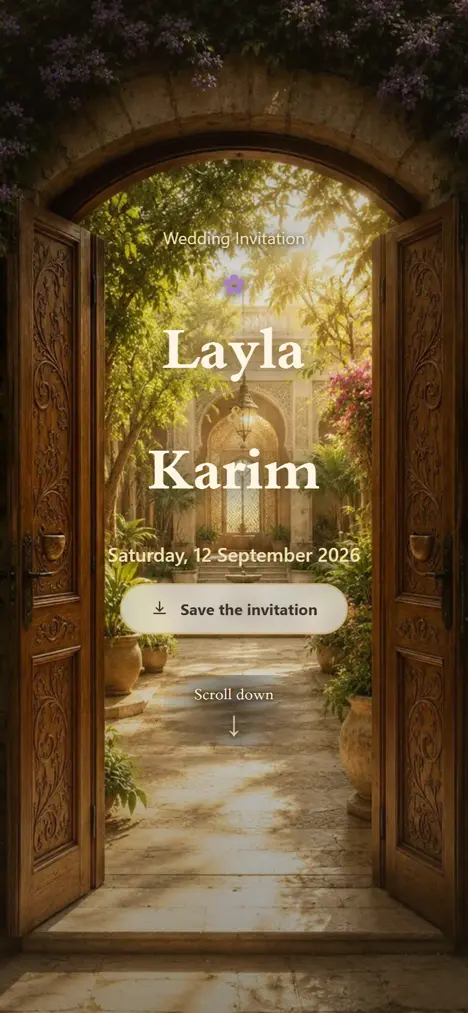
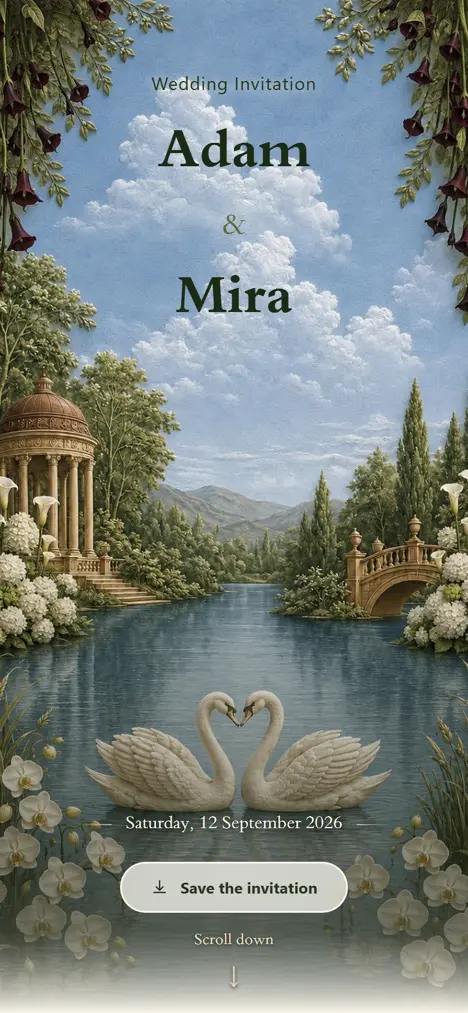






“Everything turned out beautifully. The invitation felt so elegant and made the whole experience feel special for us and our guests — Evan & Angelina”
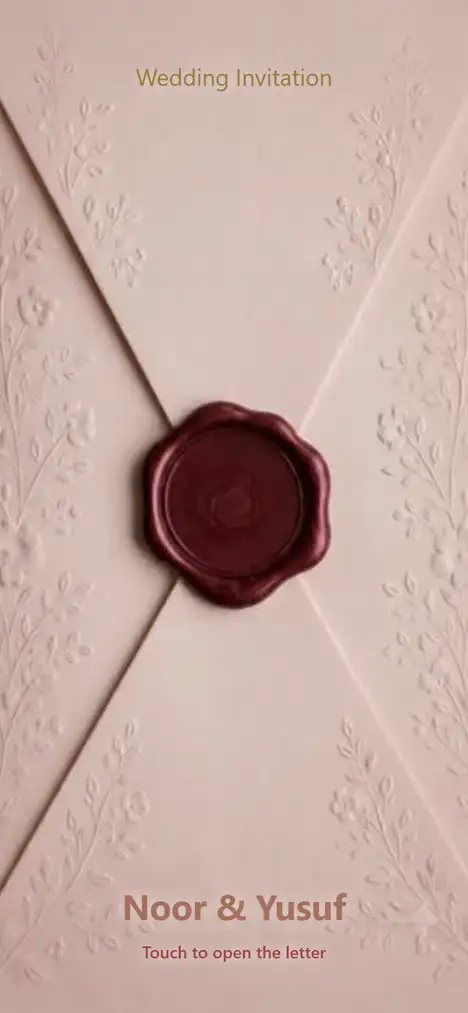
Sealed Letter opens onto your own photograph, full screen.
Not on this list? Talk to the studio
More than an invitation. A moment.
A guest taps the wax seal and it breaks. What is behind it was filmed, not animated — in English, Arabic, or both.
Everything happens here.
Guests, meals, seating, messages and the door — one place, and these are screenshots of it rather than illustrations of it.
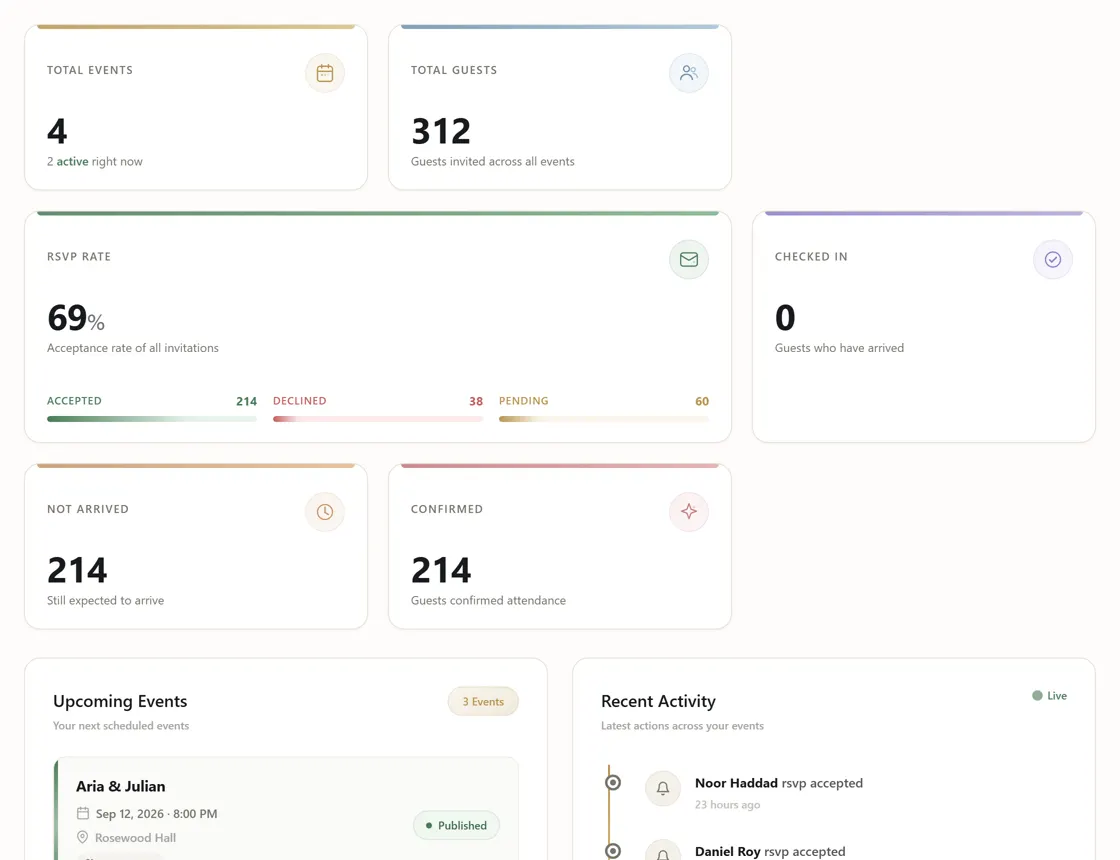
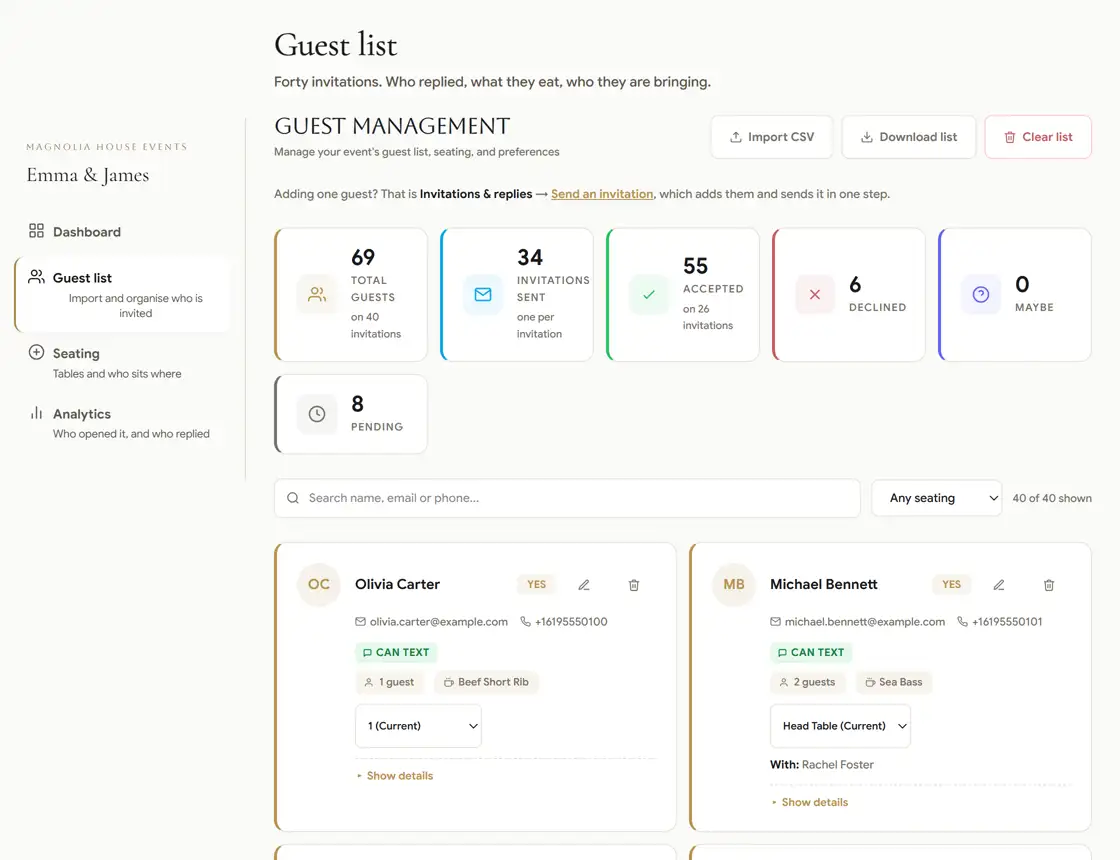
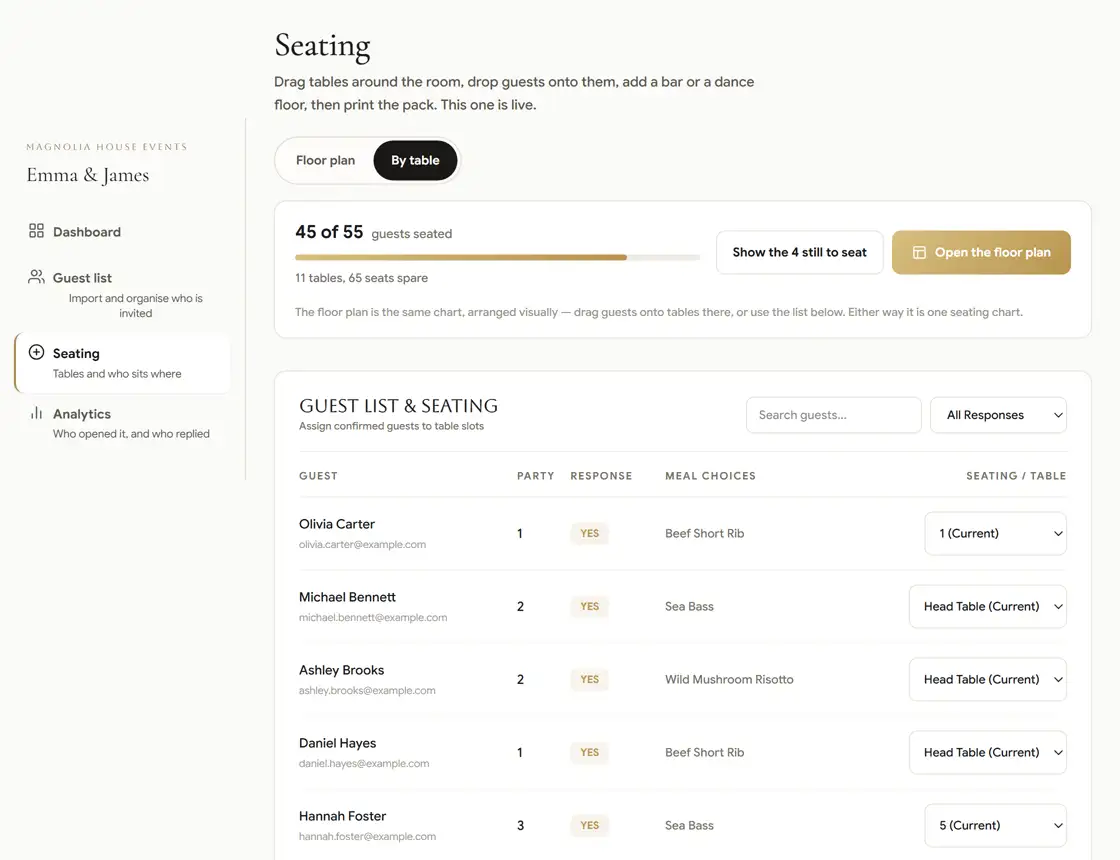
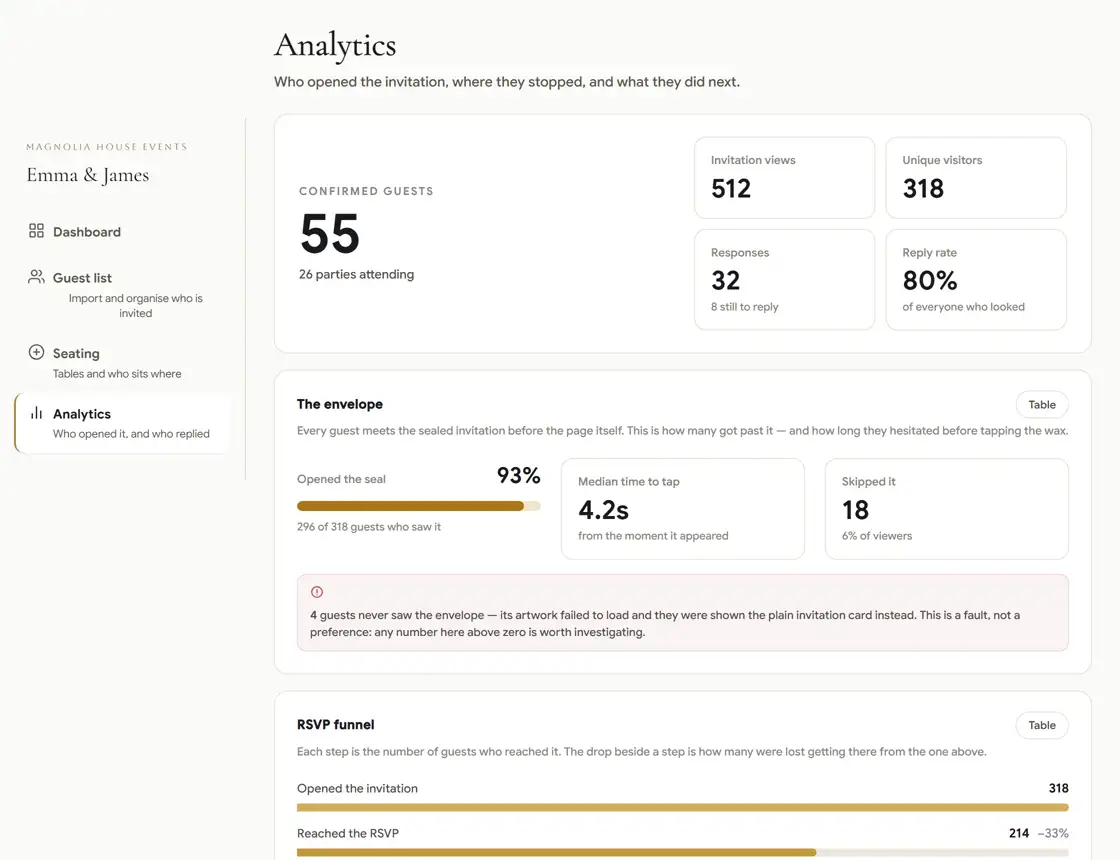
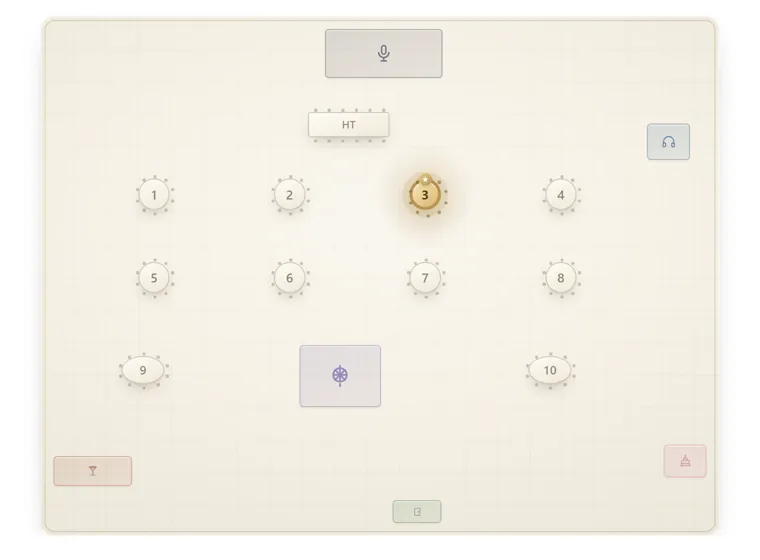
Seat everyone. Without the spreadsheet.
Draw the room as it really is, drag names onto it, and every count follows — it will not let you overbook a table.
Remind them before the night begins.
Two emails and a text go out on their own in the last day, and on the day itself they carry that guest's own table and their pass for the door. You press nothing.
Hi Chloe! Emma & James is on Saturday. Your table is 12. Show this at the door: fancyrsvp.com/i/k7m2xq4p - Fancy RSVP. Msg&data rates may apply. Reply STOP to opt out, HELP for help.
- 24 hours beforeEmail — a reminder, with when and where
- 3 hours beforeEmail and text — their table and their pass
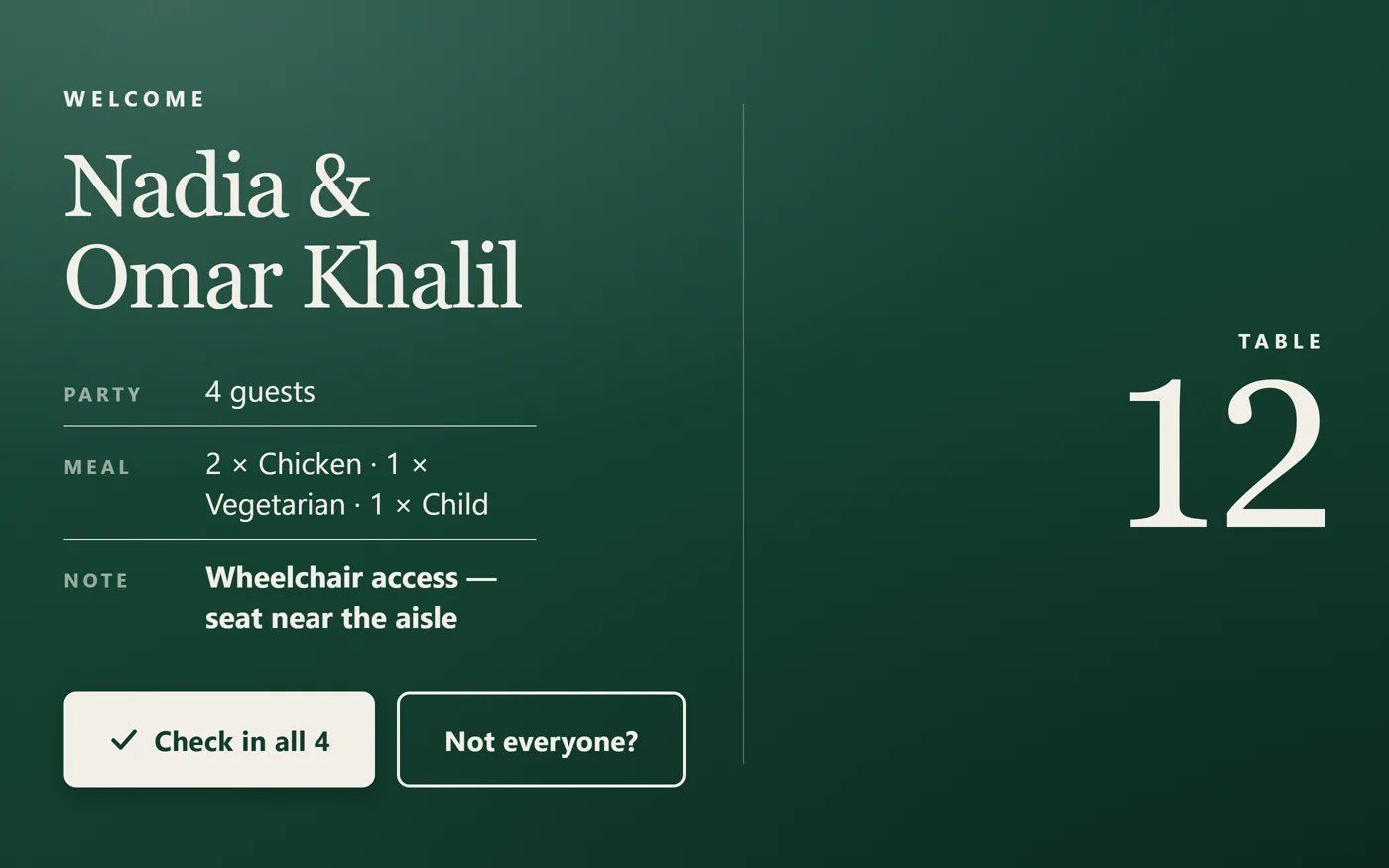
Check-in, made elegant.
Scan a guest in and their table, their party and their meal are on screen in a second — on a tablet that keeps working with no internet at all.
From invitation to memories.
A form builder, a guest list, a seating plan, a messaging system and a door scanner — built to know about each other.
- Invitation
- RSVP
- Guest list
- Meals
- Seating
- Reminders
- Check-in
- Analytics
Also includedCustom Themes · SMS Campaigns · Bilingual Invitations · Referral Rewards · Private Seating LookupWhat each one does
ALSO FROM THE STUDIO
Some of it
is meant to be held
Beyond the digital invitation we make the physical side of the night too — cards foiled and pressed by hand, envelopes and signage, welcome screens and the scanners for your door. Priced per piece, delivered to you.
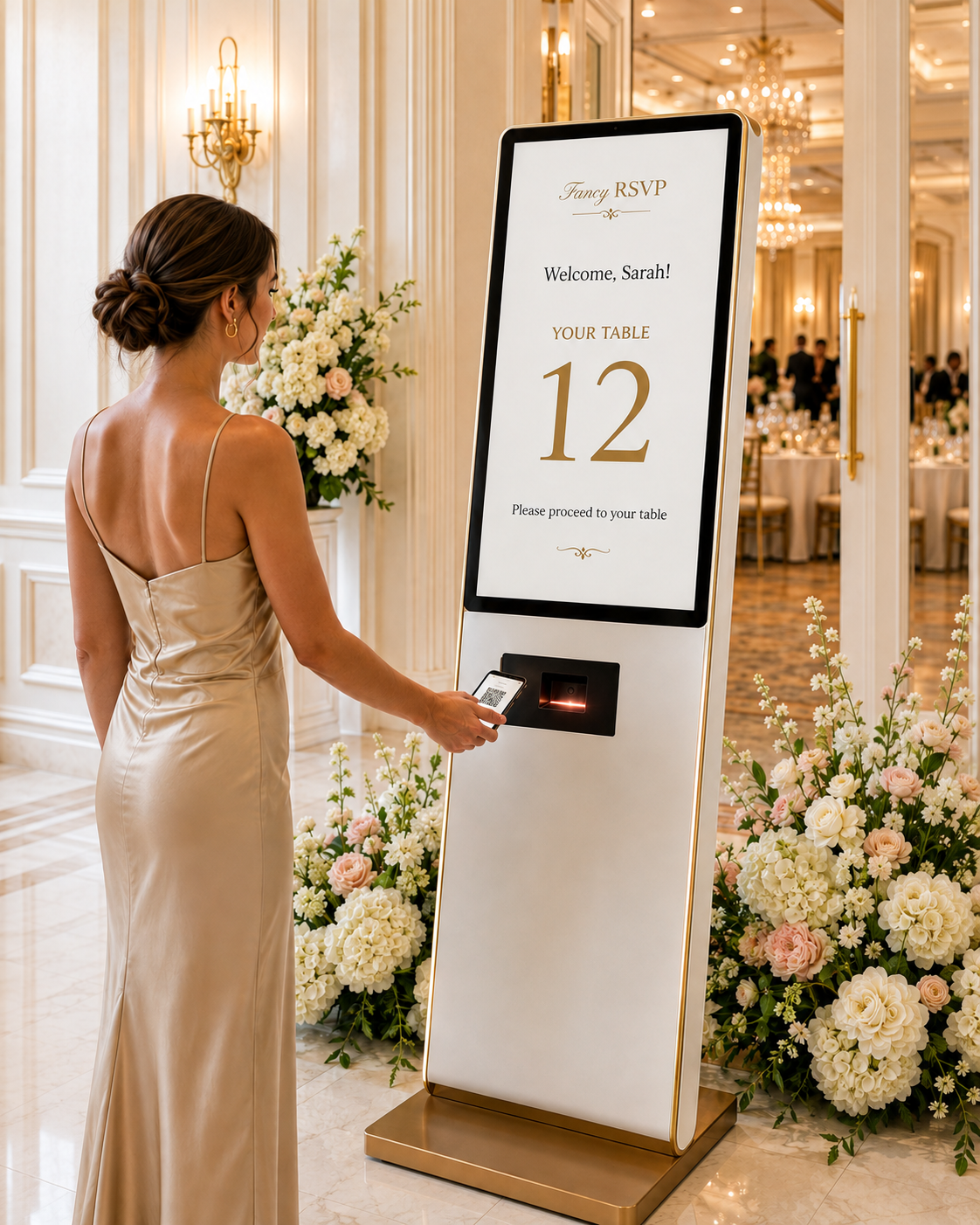 VipFancy RSVP Welcome Kiosk$700.00 each
 NewCustomized Wedding Invitation Design, Size, Birthday Invitation, Thank-you Card, Postcard, Acrylic Hot Stamping ProcessPrice on request
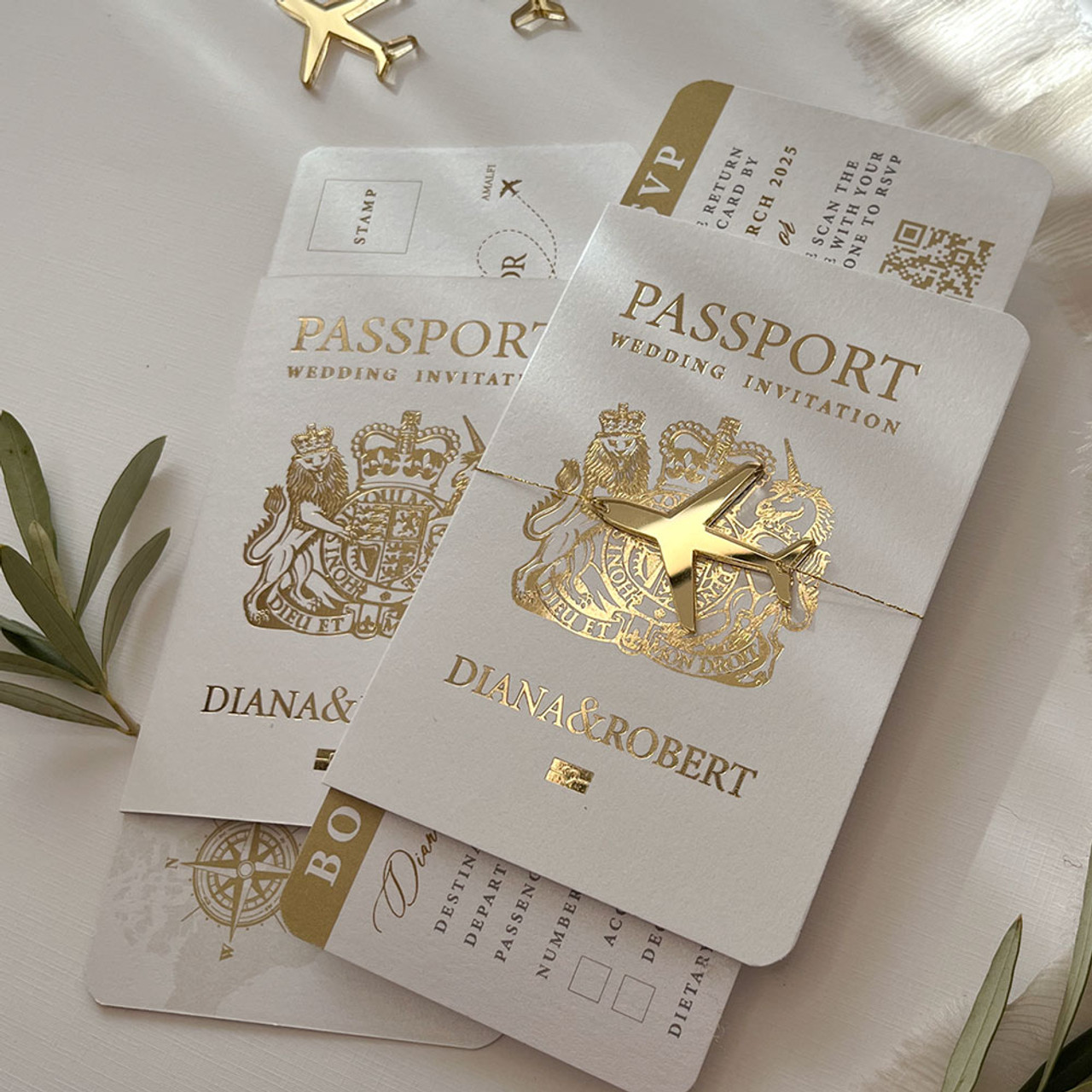 NewCustom Elegant White Hardcover Passport Wedding Invitations Card Gold Acrylic Decor Hot Stamp Information Cards Mariage PartyPrice on request
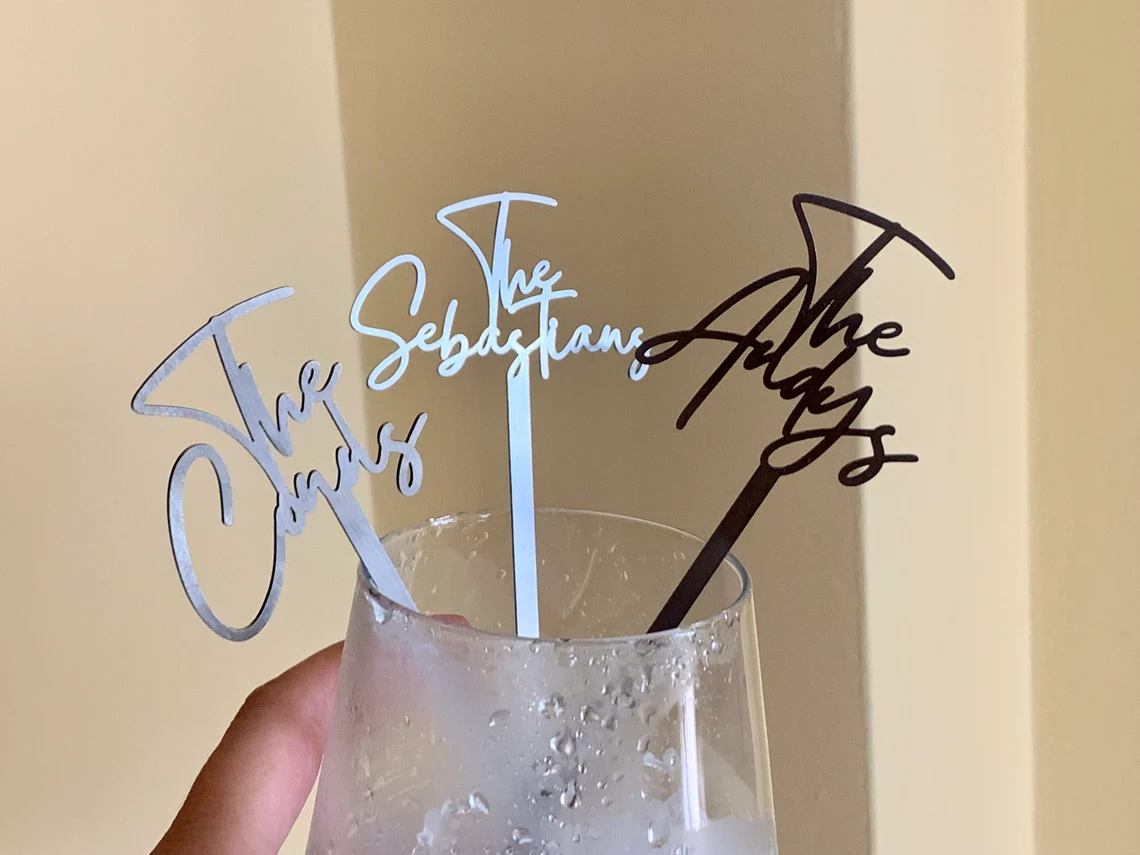 Cocktail acrylic name tagPrice on request
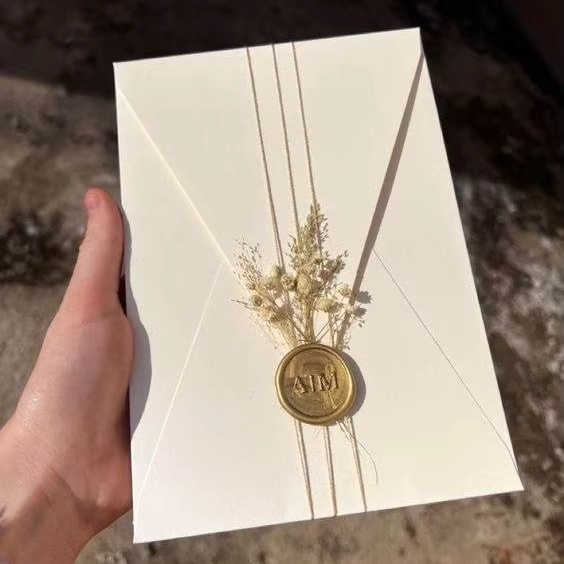 Luxury Glass and Acrylic Wedding Invitations with Wax Sealing and Dried Flowers for Valentine's Day Marriage EnvelopePrice on request
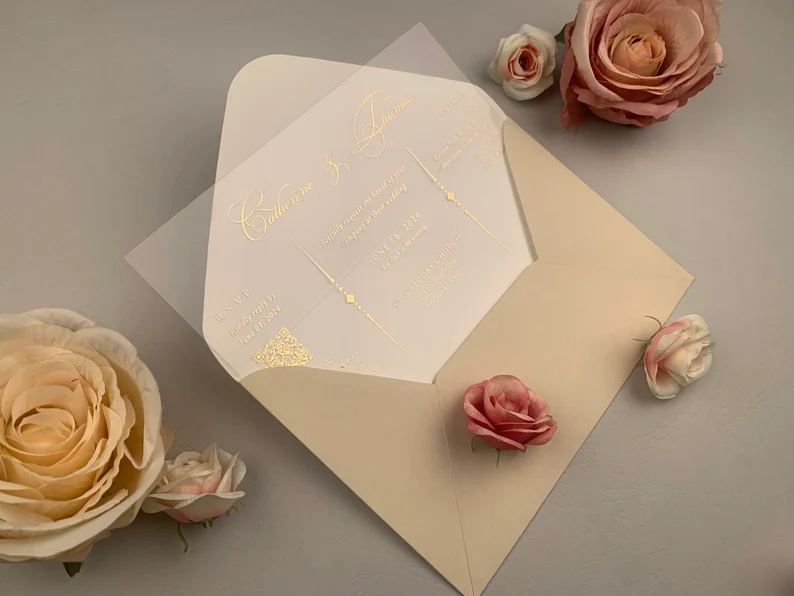 ALL in ONE Wedding Stationery 1mm Clear Acrylic Invitation Card with Gold Foil Qr Code Customizable Envelope ColorPrice on request
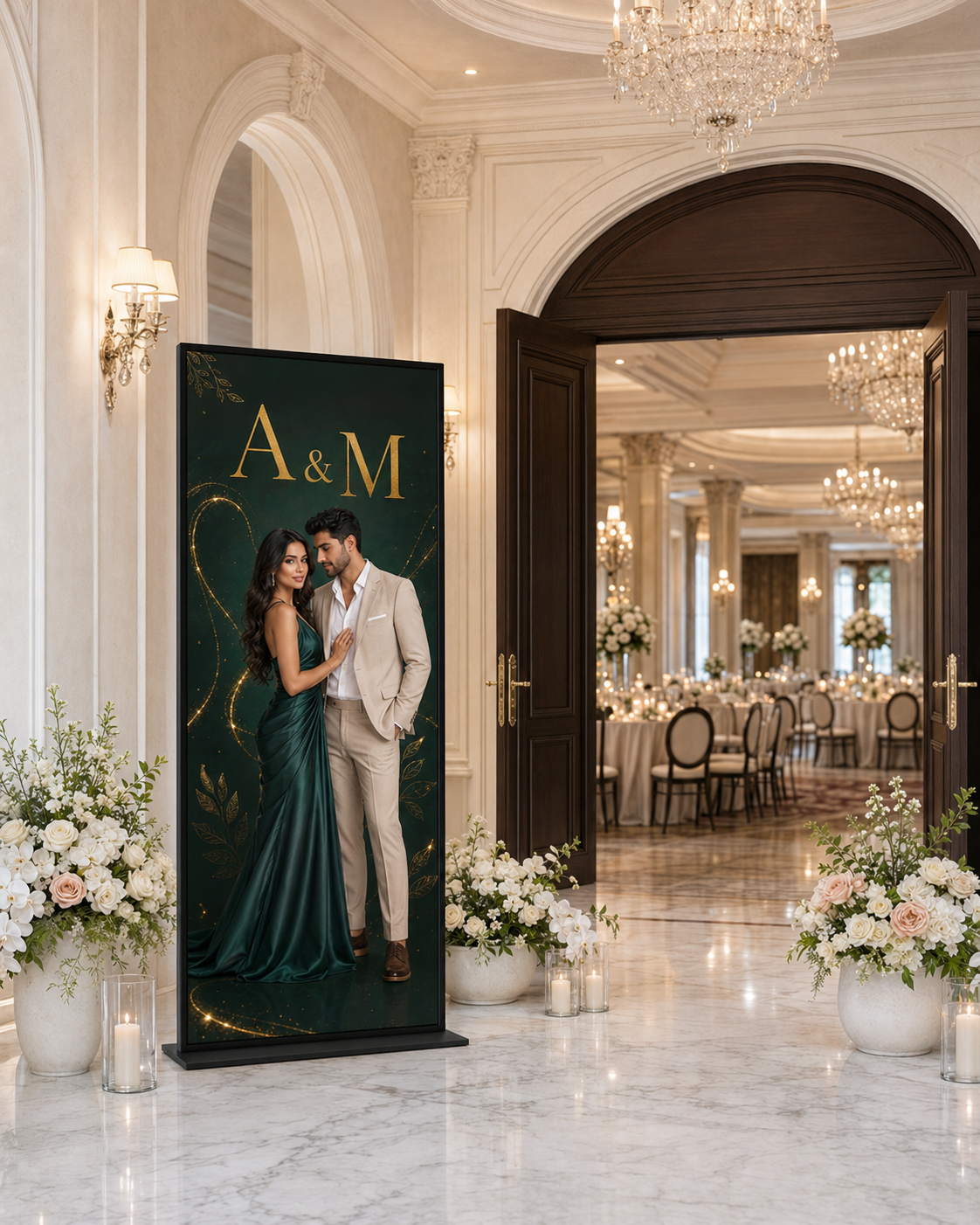 VipEntrance Screen$350.00 Each
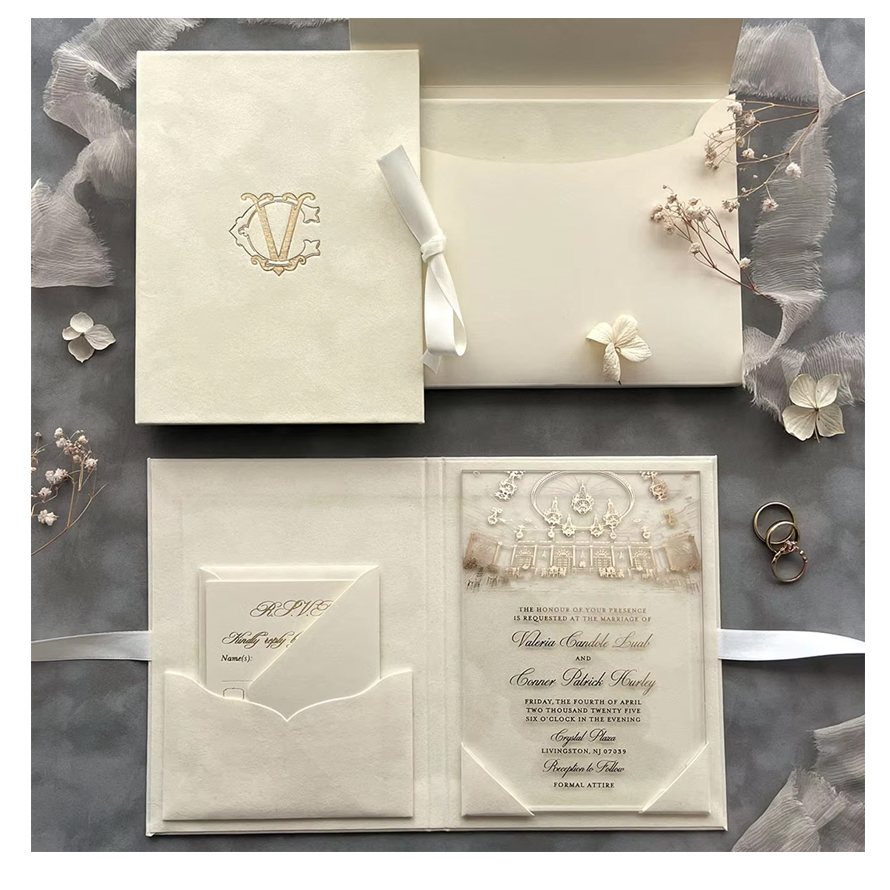 Monogram Folio Cream Luxury Velvet Hardcover Glamorous Customizable Wedding Invitation Cards Elegant Gloss Clear Acrylic SetPrice on request
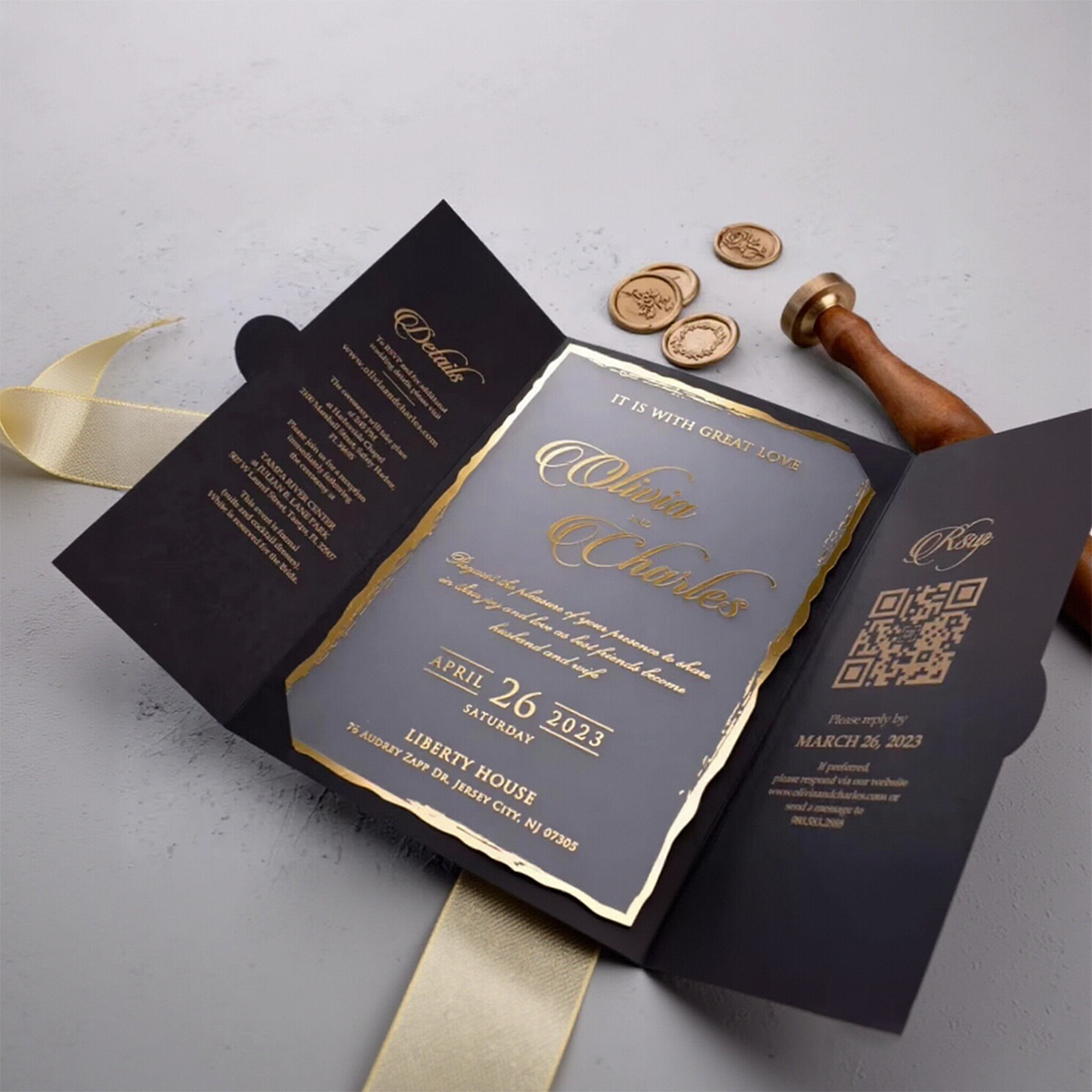 Custom Luxury Hardcover Trifold Folio Wedding Invitation Greeting Cards Gold Foil Clear Acrylic Black Envelope Marriage InvitesPrice on request
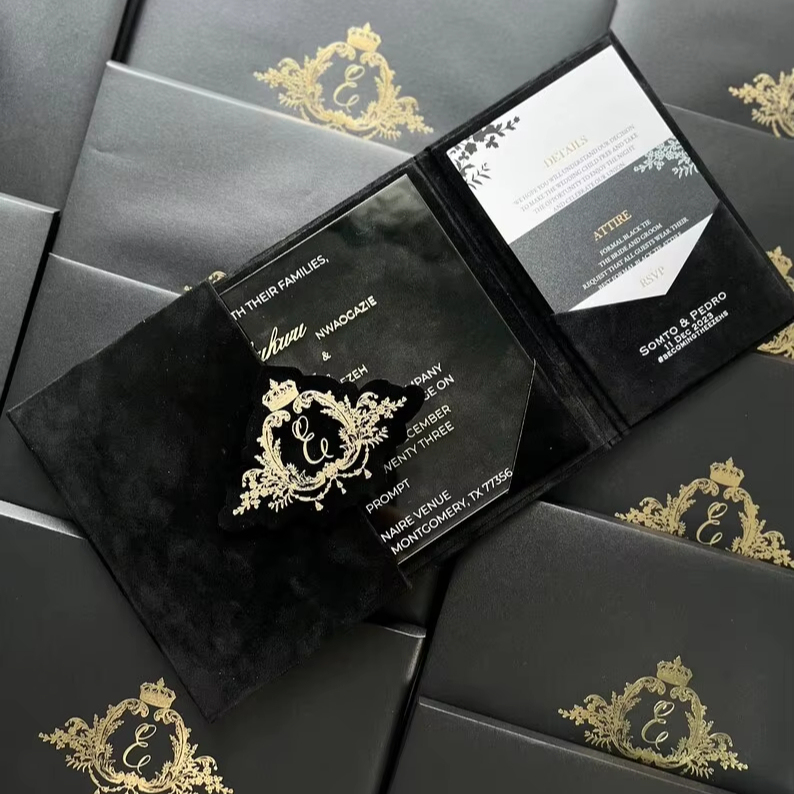 Wedding Invitation Bundle Luxury Black Velvet Envelope and Elegant Acrylic Invitation Trifold Booklet Invitations ReceptionPrice on request
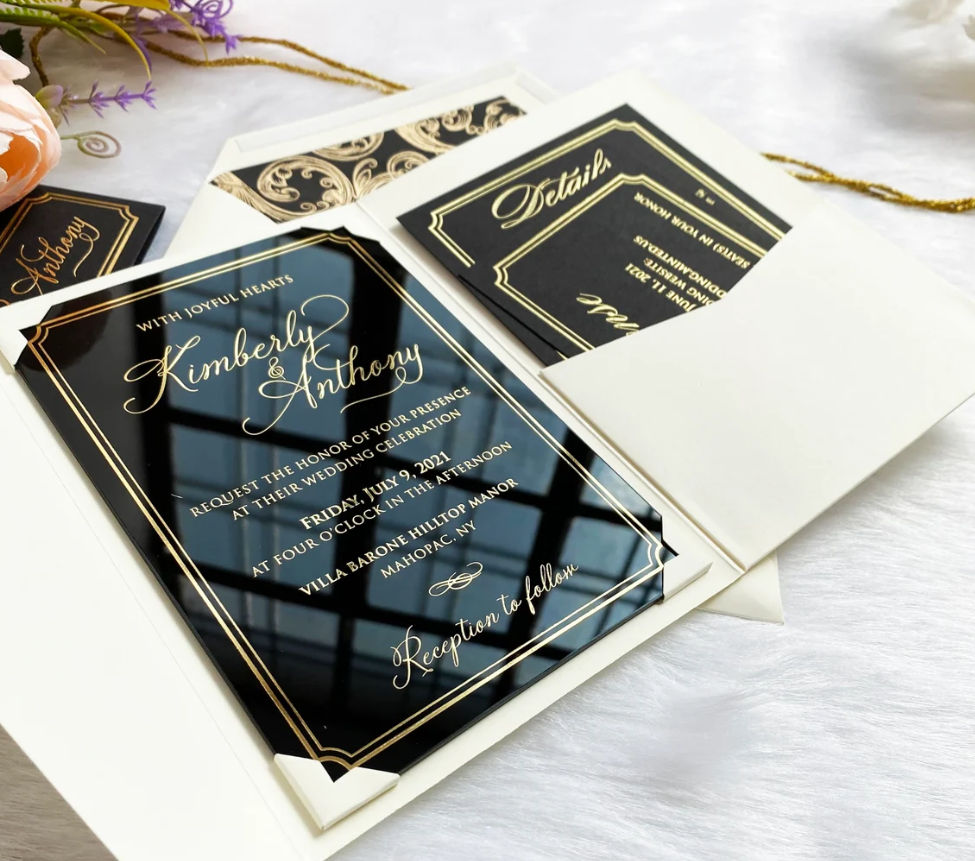 Hotsale Luxury Hot Stamping Gold Mirror Acrylic Letters Acrylic Wedding InvitationPrice on request
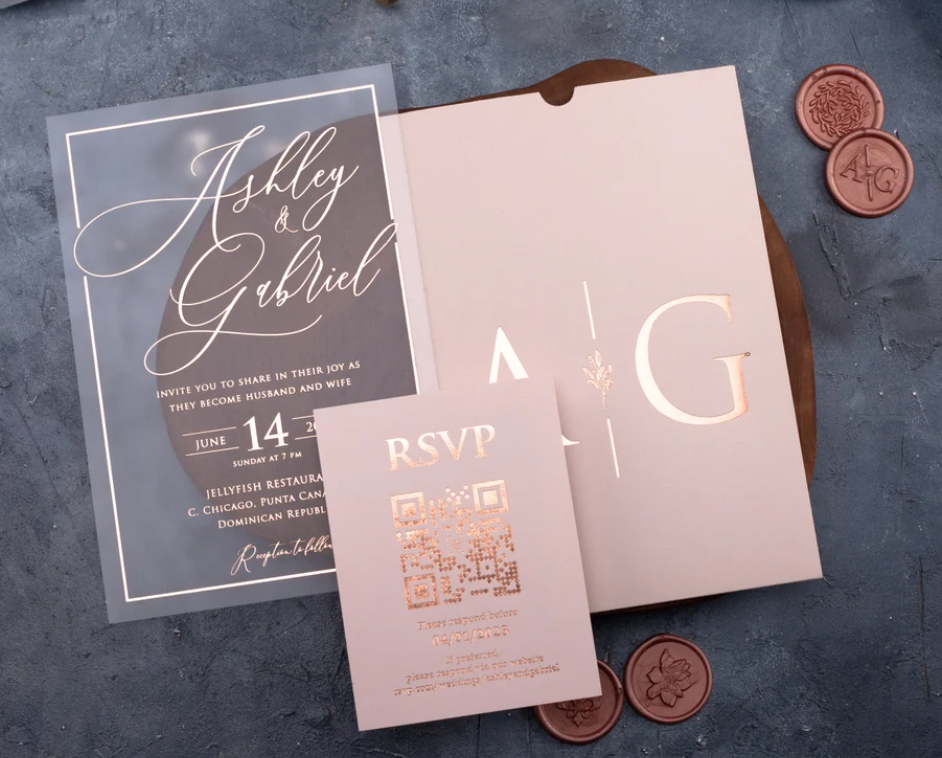 Custom Gold Bronzing Initials Luxury Elegant Pink Envelope Wedding Birthday Party Pull Type Acrylic Invitations & RSVP CardsPrice on request
Cards, envelopes, signage, screens and door hardware.
Questions we get.
How do I get started?
Create a free account, pick a template, and fill in your names, date and venue. You can be collecting RSVPs in a few minutes — there is nothing to install and no technical setup.
Can I change what the RSVP form asks?
Yes. Add your own questions, meal choices, dietary notes and plus-one rules, and mark each one required or optional. Everything can be written in English, Arabic, or both.
How does the seating chart work?
Lay out round or rectangular tables, set each one's capacity, and drag guests onto them. The planner tracks remaining seats and will not let you overbook a table. Guests can then look up their own seat with their name and the last four digits of their phone number, and seating stays hidden until you reveal it.
Is there a limit on the number of guests?
Each plan has its own guest cap — the Pricing page shows the current numbers. There is no per-guest overage fee: if an event reaches its cap, you upgrade and are charged only the difference. For an event larger than any listed plan, contact us for a custom quote.
Can guests change their RSVP after submitting?
Yes. A guest can return to their own link any time before your deadline and update their response, party size or meal choice. The change appears on your dashboard immediately.
Do you offer refunds if I cancel my event?
Yes. A full refund within 14 days of purchase, as long as the event has not gone live. Once an event is live we issue pro-rated credit towards a future event instead, because the invitations are already out and the guest list is already collecting replies. To ask for one, send us a refund request with the event name and the email you paid with. We reply within 2 business days, and an approved card refund is returned to the card you paid with — bank transfers are returned the same way they came in.
Request a refundSomething not covered? Help centre · Talk to us
Start with your first event.
Build it, see exactly how it will look to a guest, and only pay when you are ready to send it.
- No credit card
- Your event stays live afterwards
- See pricing
- 10,000+Events Created
- 50,000+Guests Managed
- 99.9%Platform Uptime